every review, ready to post
Cut out the ums on a timeline, style the captions word by word, and clean up the sound. Then turn any review into a vertical clip, a square post or a quote card in your colors.
Included in Pro and Agency.
what you get
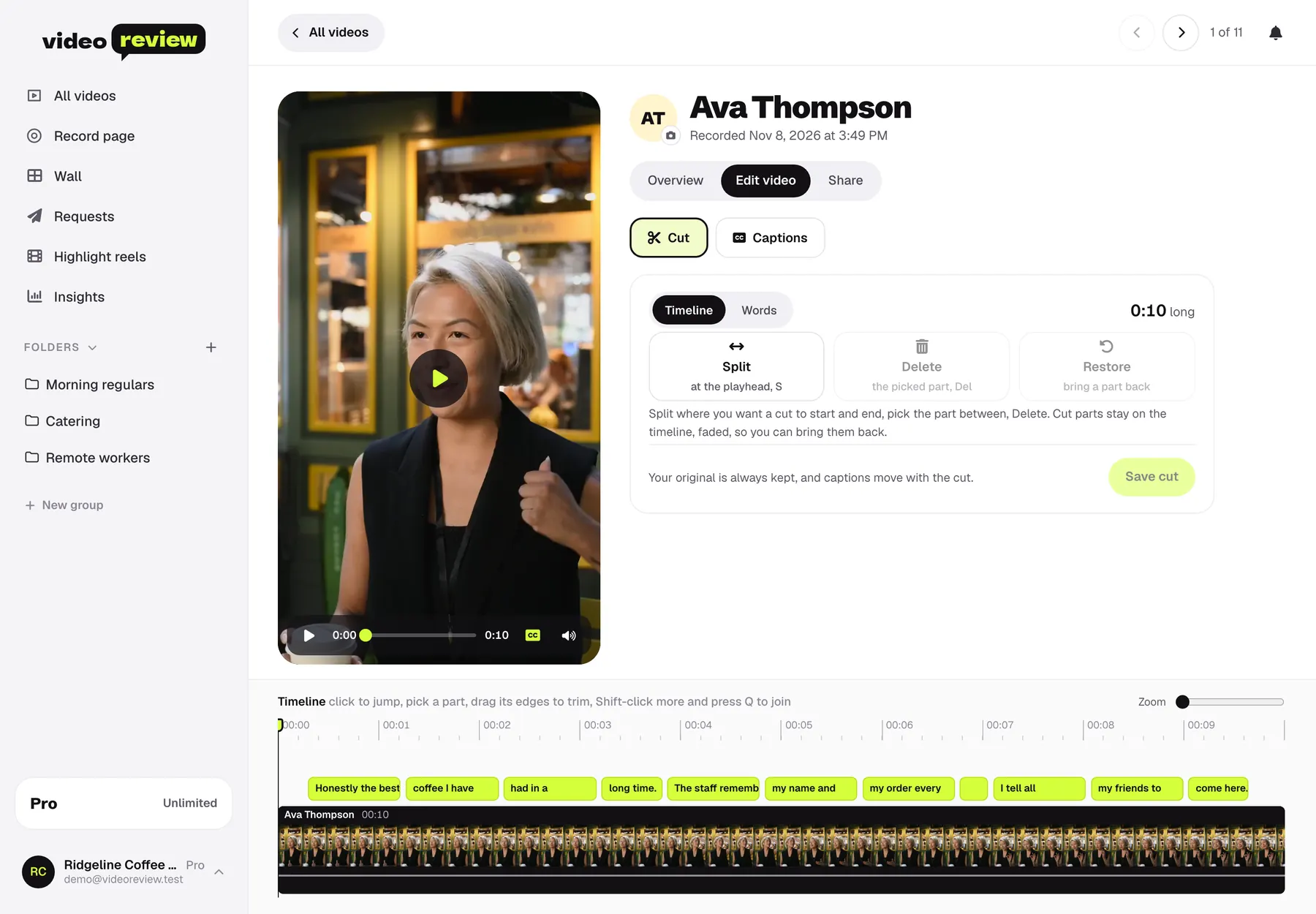
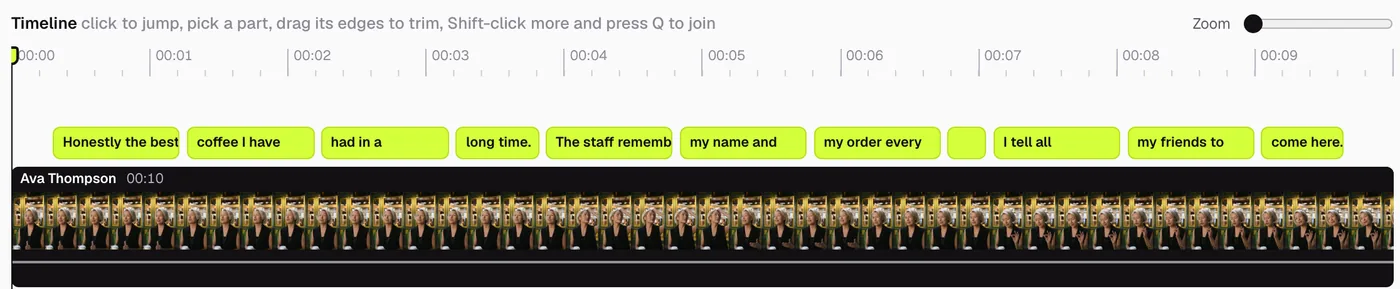
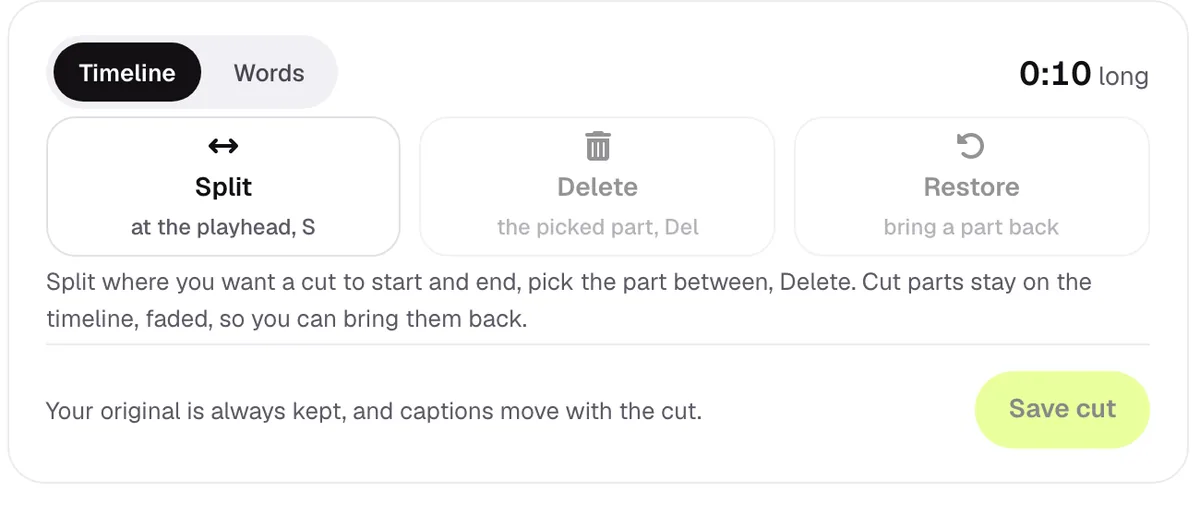
cut it on a timeline
Every word sits on the timeline. Split, delete the part you don’t want, and bring it back any time. Captions move with the cut.
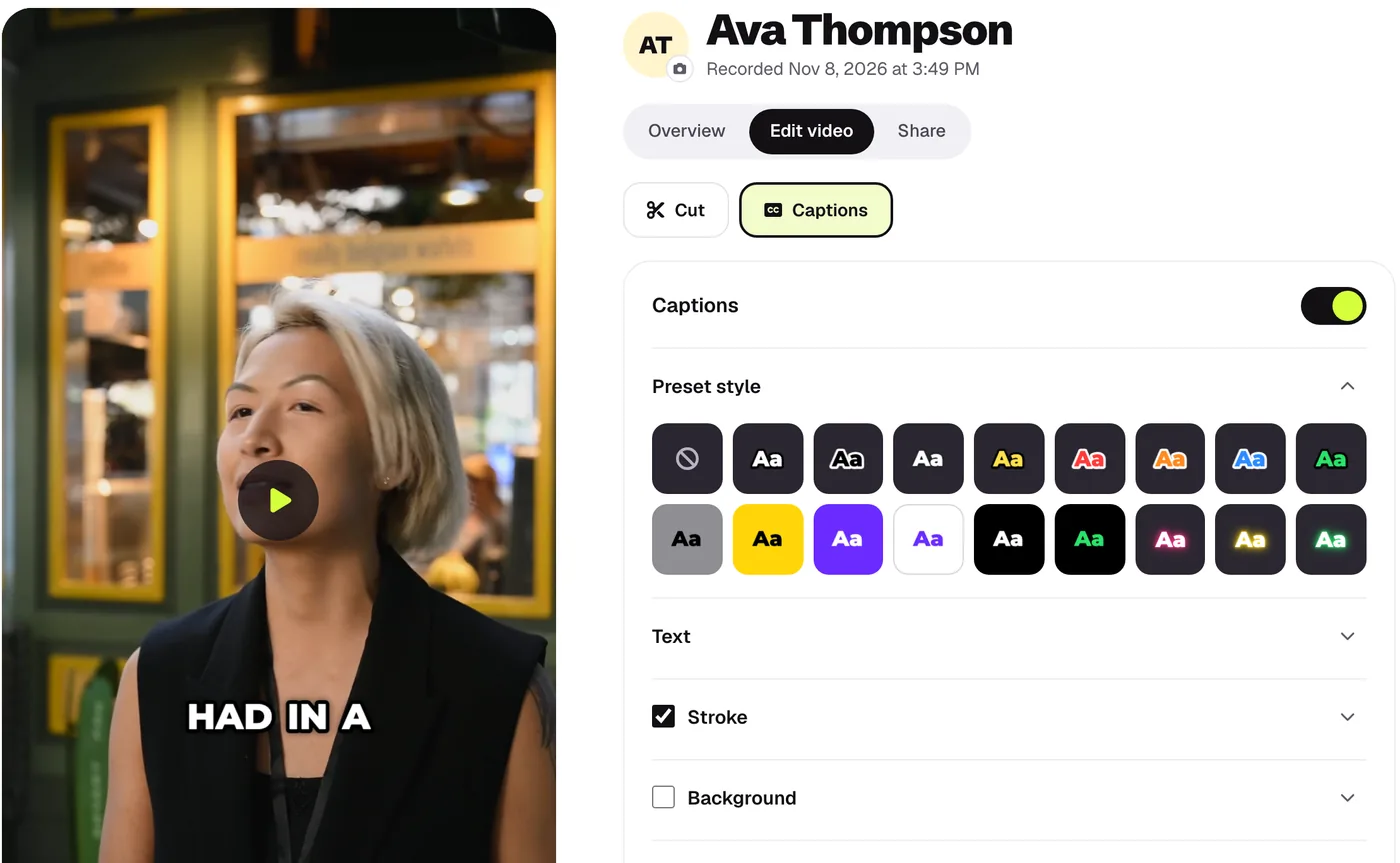
captions in your style
Pick a style, then your font, colors, stroke and background. Words light up as they’re said.
your original, always kept
Studio sound and clean starts and ends are automatic, and every cut can be undone. The original never changes.
clips for every channel
Vertical for Reels and TikTok, square for the feed, wide for YouTube and your site, captions burned in. Download one, or the whole pack.
how it works
-
1
a review comes in
Your customer records on their phone, however it comes out.
-
2
make it yours
Trim it on the timeline and pick a caption style. Sound and captions are already done.
-
3
you post it
Download the clip you want, or share the link. Your logo can sit at the end.
the rest of the platform
hit record.
Your first video review is one link away. Free plan, no card, set up in two minutes.
Start free