video reviews, straight from HubSpot.
When a deal reaches the stage you pick in HubSpot, your customer gets a request to record a short video review. The finished review is saved as a note on their contact and the deal.
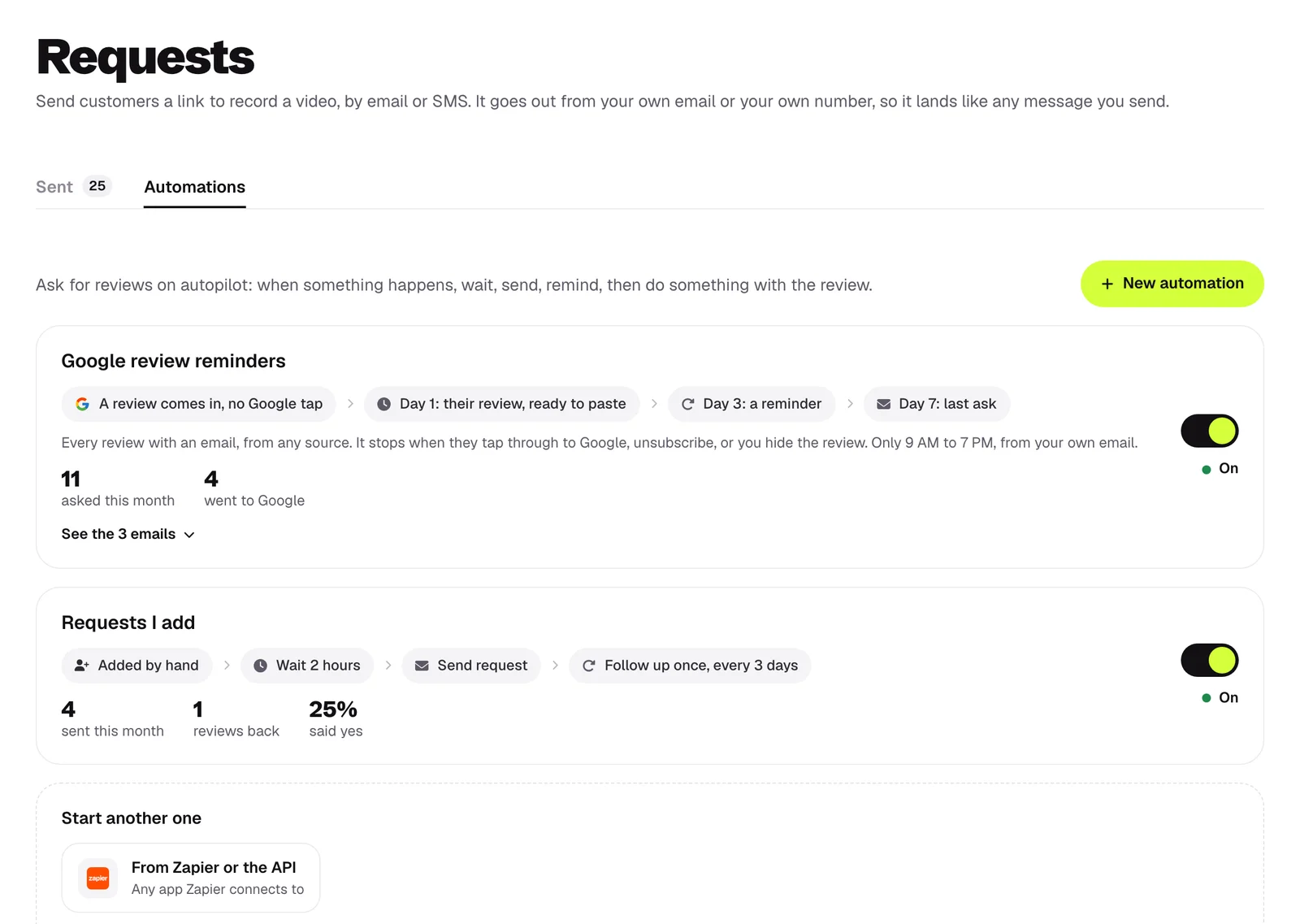
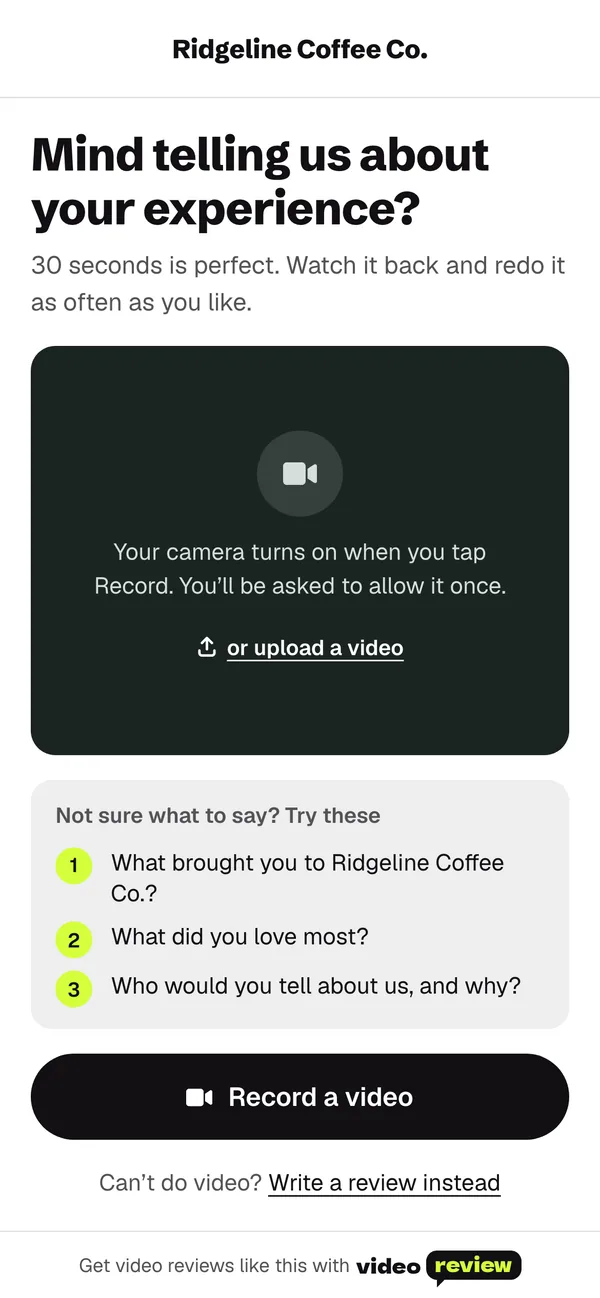
 A deal moves in HubSpotRequest sent to Mark, 2:04 PM
how it works
a deal moves
A deal reaches the stage you pick, like Closed won.
they get asked
A text to the mobile number in HubSpot, or an email from your own address. Right away or after the wait you set, with reminders until they record.

the review comes back
The moment they send it, a note with their words and a link to the video is added to that contact and the deal in HubSpot.
you’re in control
Set it once in Requests, Automations. Change any of it whenever you like.
set up in 2 minutes
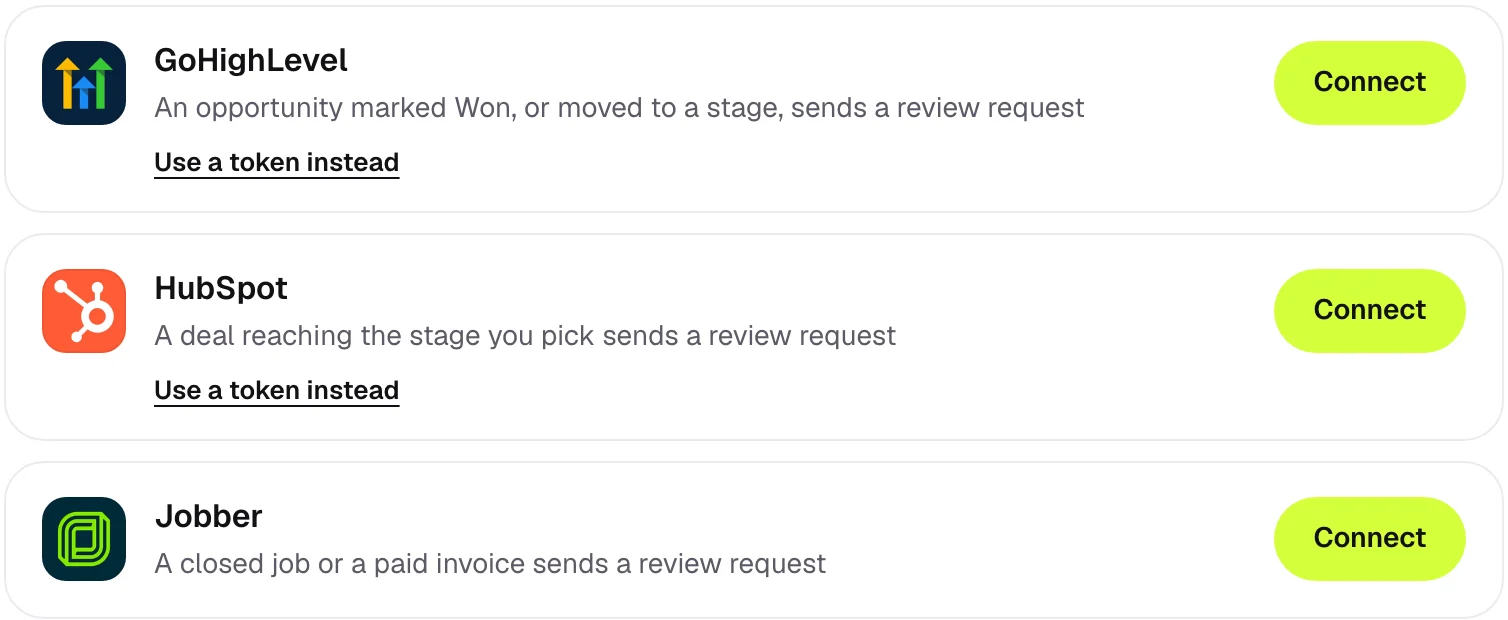
In videoreview, open Settings, then Integrations, and press Connect next to HubSpot.
Sign in to HubSpot and press Allow. You’re back in videoreview, connected.
Go to Requests, then Automations, and choose the stage.
Switch it on. The next deal at that stage sends the first request.
what it can see and change
Disconnect any time, from videoreview or from HubSpot. It stops right away.
HubSpot questions
How fast does the request go out?
We check HubSpot every 5 minutes. Then the wait you picked applies, and it goes out.
Will a customer be asked twice?
No. Anyone asked in the last 30 days, or who already left a review, is skipped.
What if they have no mobile number?
If the automation sends SMS and email, it goes by email. If it sends SMS only, they aren’t asked.
Which plan do I need?
Pro or Agency. Agencies connect each client’s own HubSpot.
What if the connection breaks?
You get an email, and the automation shows a red “needs you” box until you reconnect.
 Jobber
 GoHighLevel
 Pipedrive
 Salesforce
 Zoho CRM