review requests by text, from your Quo number.
Connect Quo and every review request you send by SMS goes out from the number your customers already know. Replies land in Quo, like any other text.
 Sent from your Quo numberRequest to Mark, 2:04 PM
how it works
 Request to Mark TaylorToday
you send a request
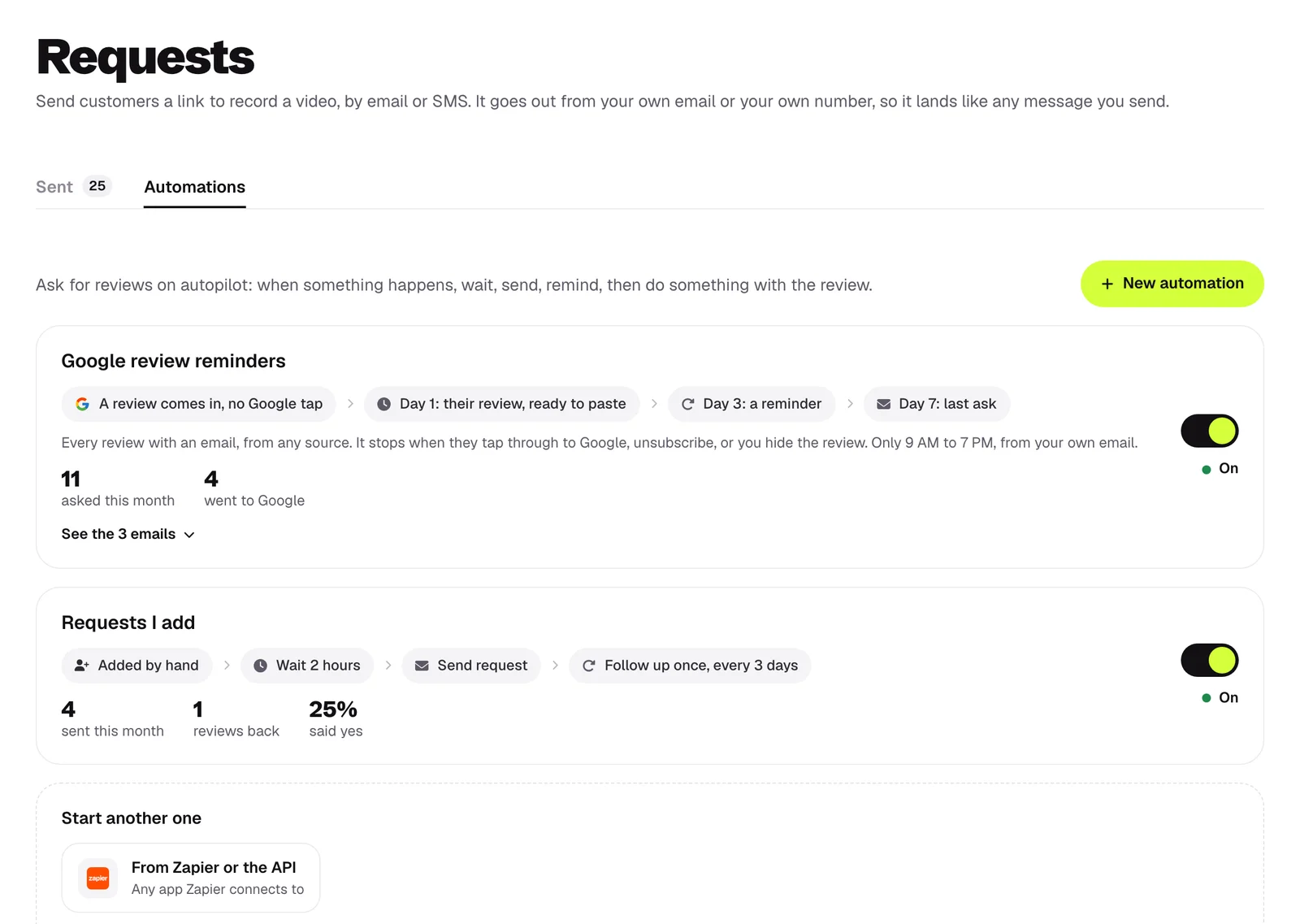
Add a customer, paste a list, or let an automation ask after every job.
it goes from your number
The text goes out through Quo, from your number, with your link and a line to opt out.
replies land in Quo
If they text back, it shows up in Quo like any other conversation.
set up in 2 minutes
In videoreview, open Settings, then Sending, and press Turn on SMS.
Choose Quo as how you text.
Paste your API key from Quo and pick the number to text from.
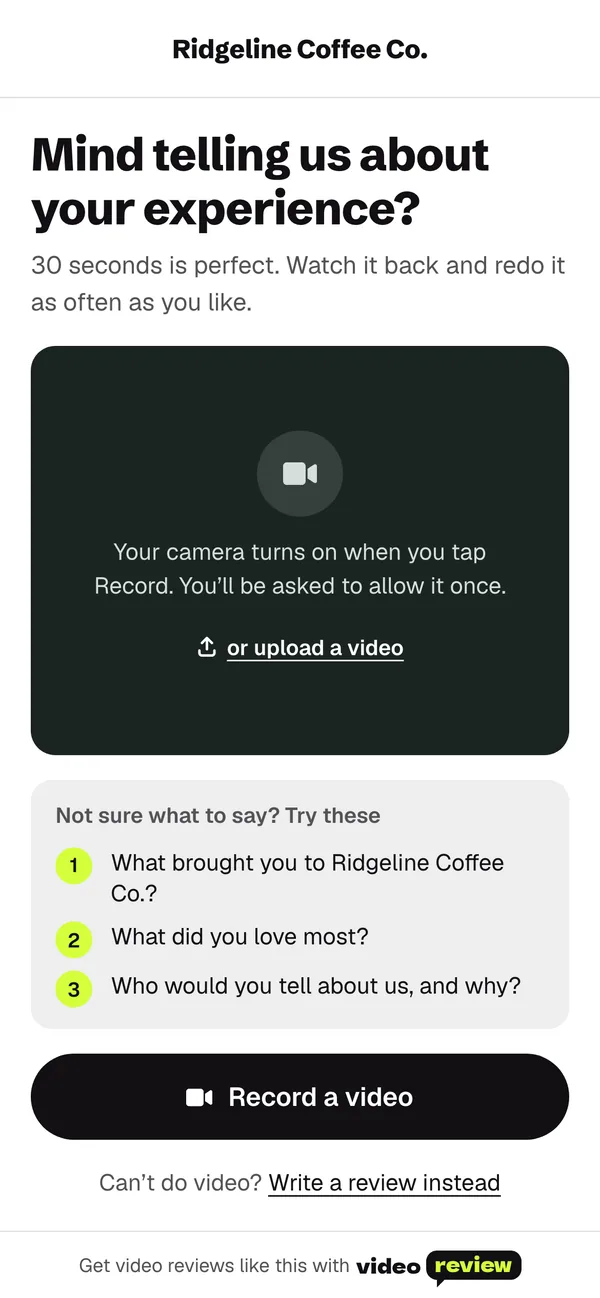
A real request text comes to your phone, so you see exactly what customers get.
what it can see and change
Disconnect any time in Settings. Texts stop right away.
Quo questions
Does it cost extra?
No. Texting through Quo is included in Pro and Agency. Your Quo plan covers the texts.
Will carriers deliver it?
Texts that link to your own address, like reviews.yourbusiness.com, get through best. Connect your address on the Record page first.
Who sees replies?
You do, in Quo. We never read or answer them.
What if a text doesn’t get through?
The request shows it on your Requests page, and you can send it by email with one tap.
Which plan do I need?
Pro or Agency.
 Jobber
 GoHighLevel
 HubSpot
 Pipedrive
 Salesforce