connect anything with Zapier.
Thousands of apps, no code. Start a Zap when a review comes in, send review requests from any app, or look up a customer’s review.
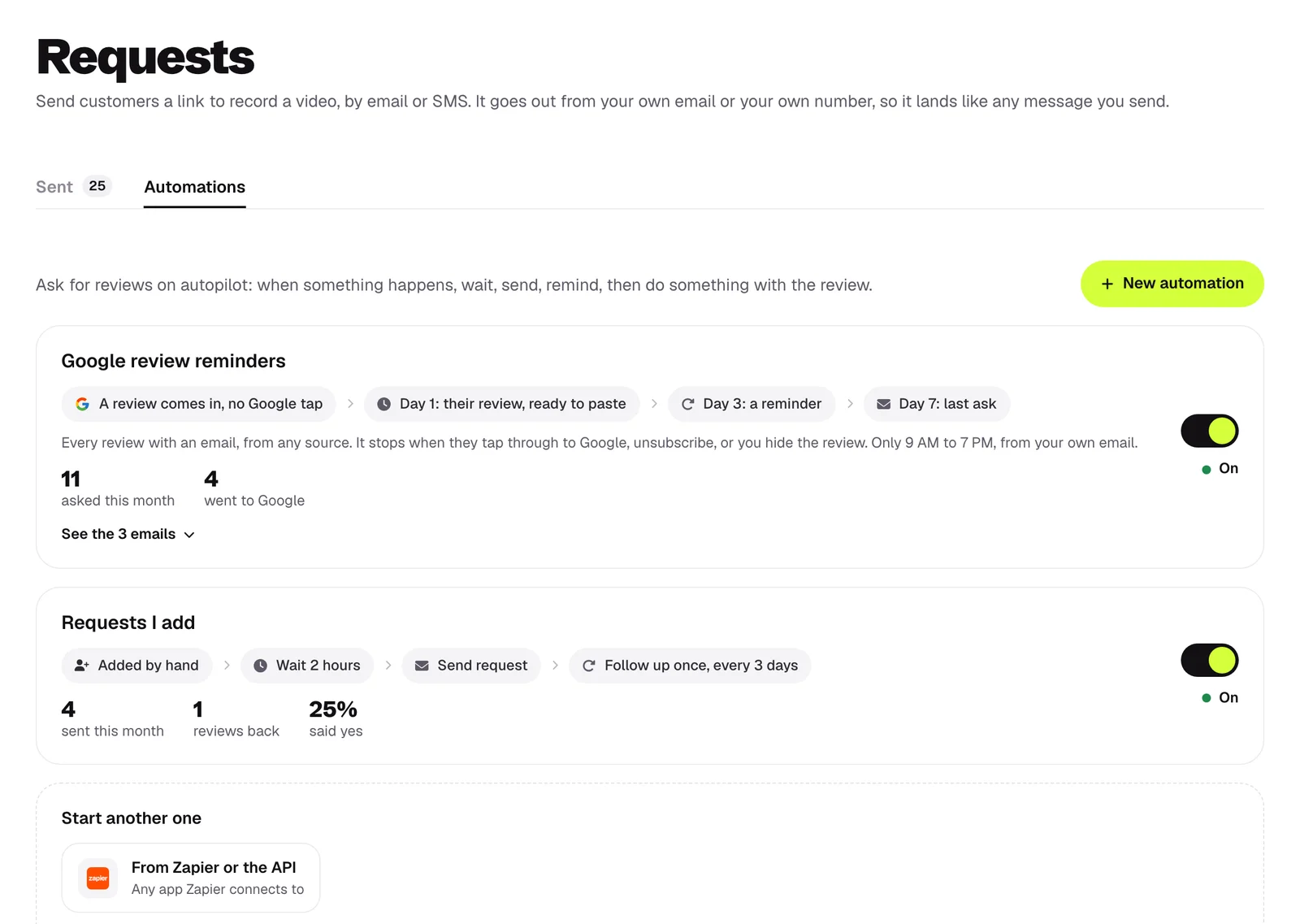
 Zap: Send Review RequestRequest sent to Mark, 2:04 PM
how it works
something happens
An order ships, a form is filled in, a row is added. Any app Zapier connects.
they get asked
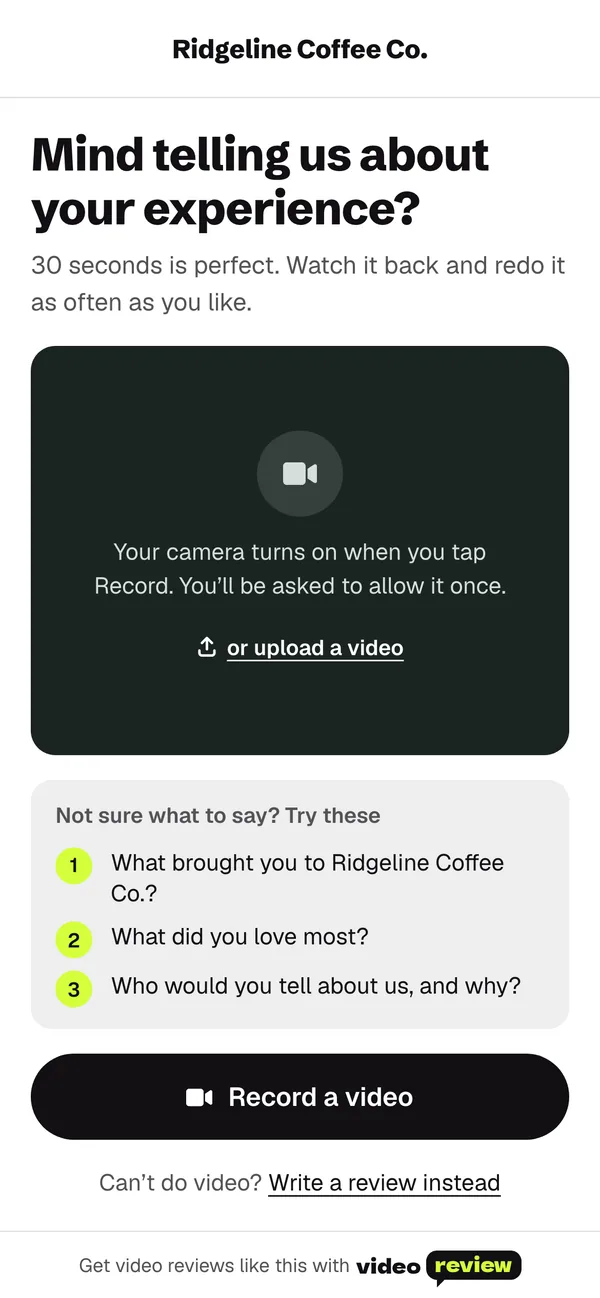
The Send Review Request action sends them your link by email or SMS, with reminders.
 New Review in Zapier
the review flows back
The New Review trigger hands the review to your next step: a Slack message, a sheet, your CRM.
what it does
Two triggers, an action and a search, in any Zap.
set up in 2 minutes
In videoreview, open Settings, then Developers, and press New key.
Search for videoreview when you build a Zap, and paste your key.
New Review, Request Opened, Send Review Request or Find Review.
Test it once, then switch it on.
what it can see and change
Delete the API key any time and every Zap using it stops.
Zapier questions
Which plan do I need?
Pro or Agency.
Is there a limit on Zaps?
Not on our side. Your Zapier plan sets how many Zaps and tasks you get.
Does it work for agencies?
Yes. Pick which client a step is for when you set it up.
 Jobber
 GoHighLevel
 HubSpot
 Pipedrive
 Salesforce